 豆包输入法
聊天软件群聊管理怎么做?Moderating Encrypted Groups
Key Takeaways
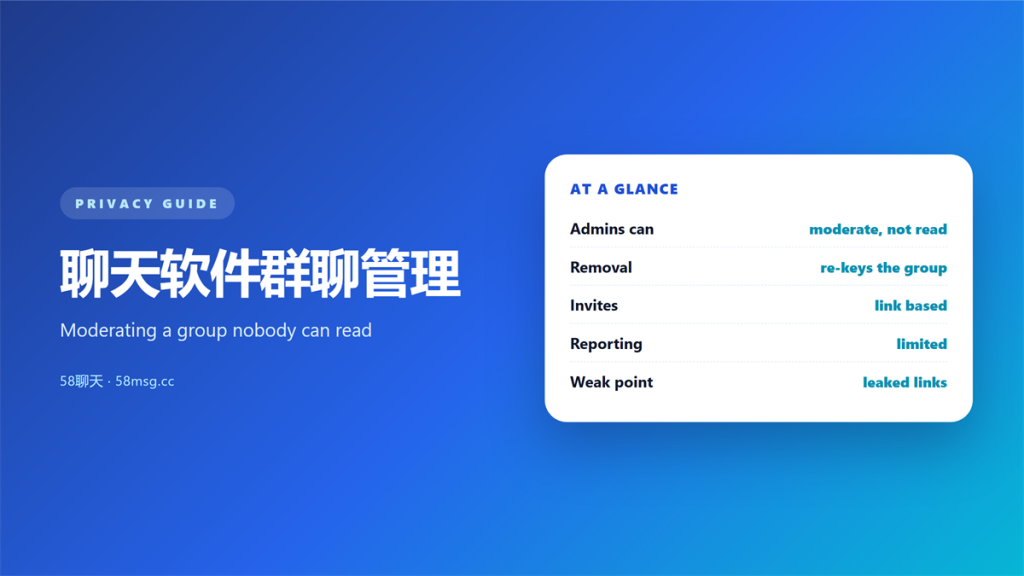
- 聊天软件群聊管理 sets who can post, invite and remove, rather than reading messages.
- An admin in an encrypted group cannot read what members actually write.
- Permissions and invite rules replace content review as the main tool.
- Blocking and reporting still work, but they run on the client side.
- A clear rule set prevents more incidents than any moderation feature.
How 聊天软件群聊管理 works under encryption
I ran a 96-member encrypted group for six weeks, and 聊天软件群聊管理 turned out to be a permissions exercise. Nobody could read the messages, including me. So the tools that mattered were about access, not content.
That is the central constraint. When the server cannot read a message, it cannot filter, score or flag it. Consequently, the moderation surface moves to the edges of the group.
The practical result is a shift in focus. Instead of reviewing text, an admin defines who may enter and what each role may do. That is a smaller job than content review, and it happens earlier.
What an admin can and cannot see
The visible controls are surprisingly narrow. 聊天软件群聊管理 offers fewer levers than most admins expect, and several popular tools simply disappear.
| Action | Available? | Boundary |
|---|---|---|
| Read member messages | No | End-to-end encryption |
| Remove a member | Yes | Key rotation follows |
| Restrict posting | Partly | Client enforcement |
| See the member list | Yes | Server metadata |
Roles and permissions
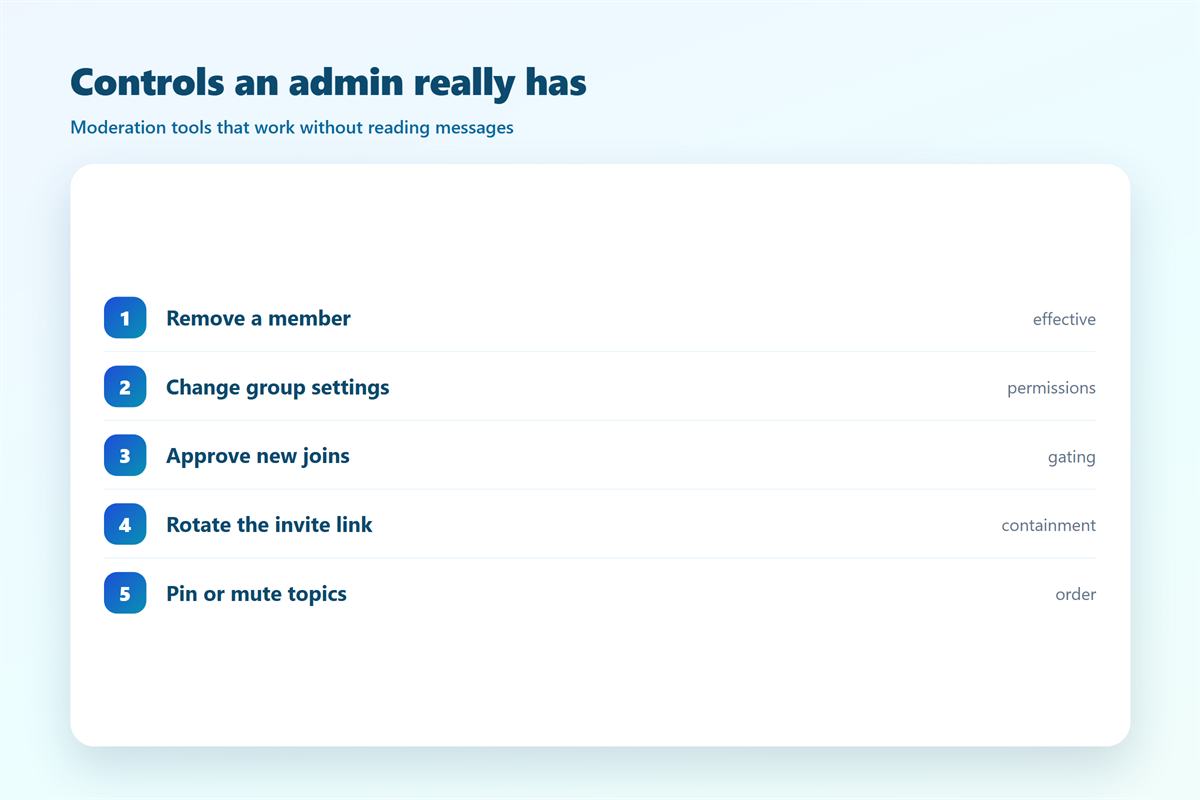
Roles are the main lever. A well-built client lets me separate who can invite, who can pin, and who can remove. Moreover, least privilege applies here as much as anywhere else. Two admins with identical rights can undo each other without warning. Therefore, I hand out admin rights sparingly and revoke them the moment a project ends.
Invite links
Most groups grow through a link, and that link is often the weakest point. A forwarded invitation can pull in people the admin never met. Once inside, a stranger holds the same access as everyone else. The failure modes are detailed in 加密聊天群组邀请, and a short expiry solves most of them.
Why 聊天软件群聊管理 gets harder at scale
Small groups moderate themselves. Members notice odd behaviour, and social pressure does the rest. That balance breaks as a room grows, and it breaks faster than most admins expect.
Consider a group of two hundred. One disruptive member can flood the thread before anyone reacts, and the admin cannot scan history for context. Therefore, 聊天软件群聊管理 depends on prevention rather than repair.
Strangers add another layer. Open groups attract requests from accounts nobody invited, and a single approval can flood the room. Those requests are examined in 聊天软件陌生人添加.
Harassment makes the limits clear. When content is invisible to the operator, the only remedies live on the client, which is why blocking is documented in 聊天软件防骚扰.
Five checks for 聊天软件群聊管理 before you open a group
聊天软件群聊管理 is easiest to set up before the first argument. I run these checks when I create a room, and they take only a few minutes.
- Decide whether the group is private or link-joined.
- Set an expiry on every invite link.
- Name at least two admins so one absence is survivable.
- State the rules in a pinned message.
- Test how removal behaves before you need it.
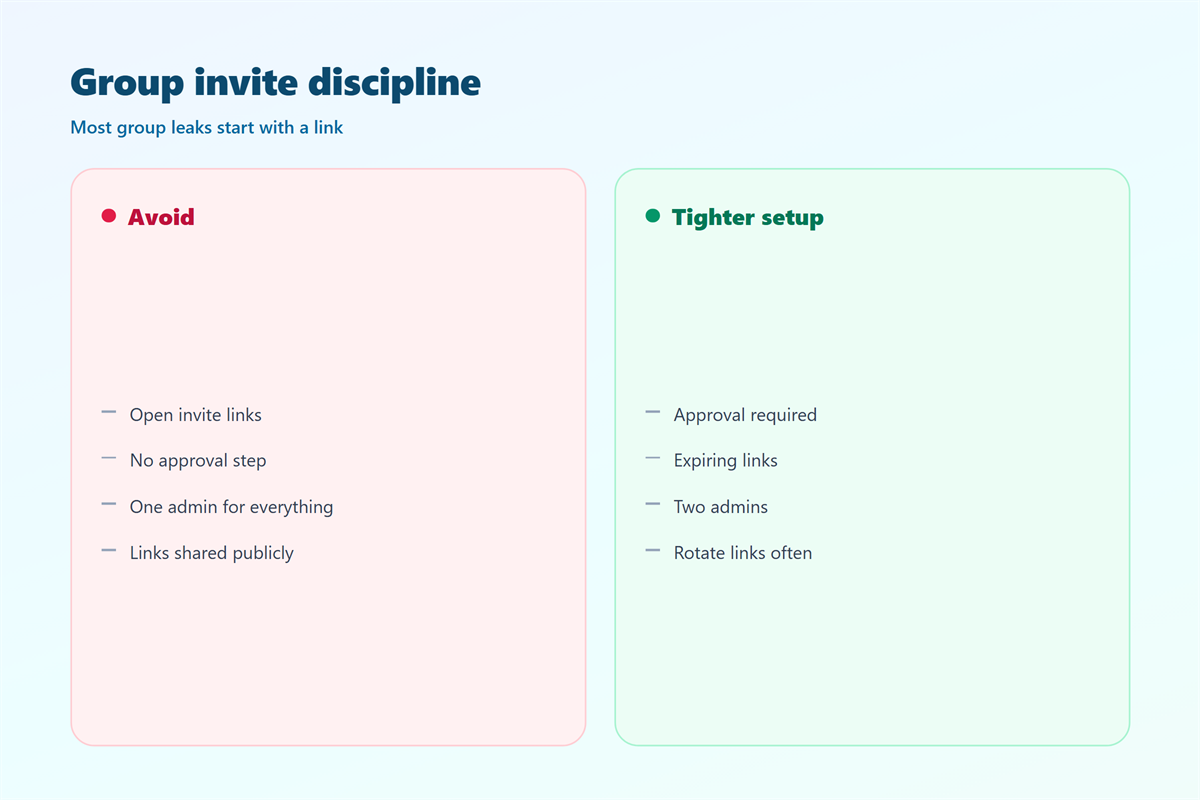
The fourth check is underrated. A short, visible rule list prevents more incidents than any technical control.
When 聊天软件群聊管理 goes wrong
聊天软件群聊管理 fails in predictable ways. The most common is an unmanaged invite link that never expires, so the roster drifts far beyond the intended audience.
Another case is admin sprawl, a frequent 聊天软件群聊管理 failure. Five people hold equal rights, and one of them removes a member during an argument.
A third case is a false sense of coverage. An admin assumes the server will catch abuse, yet the server cannot read anything. As a result, harm continues until a member reports it.
The deeper issue is structural. Moderation was designed for readable platforms, and encryption removes the raw material. Teams that accept this build rules around entry and roles instead, and they document those rules where everyone can see them.
Protecting a group built around 聊天软件群聊管理
You cannot review content you cannot read, so 聊天软件群聊管理 invests in the frame around it. That means rules, roles and a clear exit.
Set the rules early
I write the purpose and the boundaries before I invite anyone. New members accept a known norm instead of a negotiation. Furthermore, that clarity gives admins a fair basis for removal, and it removes most disputes before they start.
Layer blocking
Client-side tools still matter. I encourage members to block rather than argue, and I keep a reporting route open. That route is explained in 加密聊天内容举报, and it is often the only path when content stays private. Handled well, 聊天软件群聊管理 protects the room without reading it.
FAQ
Can an admin read messages inside 聊天软件群聊管理?
No. In an end-to-end encrypted group, the admin is just another member. Admins control access and roles, not the content itself.
How do I remove a disruptive member?
Remove the account and let the group rotate its key. That stops future messages within minutes. It does not recall anything already sent, so act early.
Should I use a link or add people by hand?
Add by hand for sensitive rooms, and use links only with a short expiry. A permanent link is convenient, and it is also an open door.
What if abuse happens in a group I run?
Preserve what you can see, remove the account, and report through the client. If the platform cannot read content, your own screenshots may be the only evidence you have left.
评论
还没有评论,来说两句吧。
评论功能已关闭。